

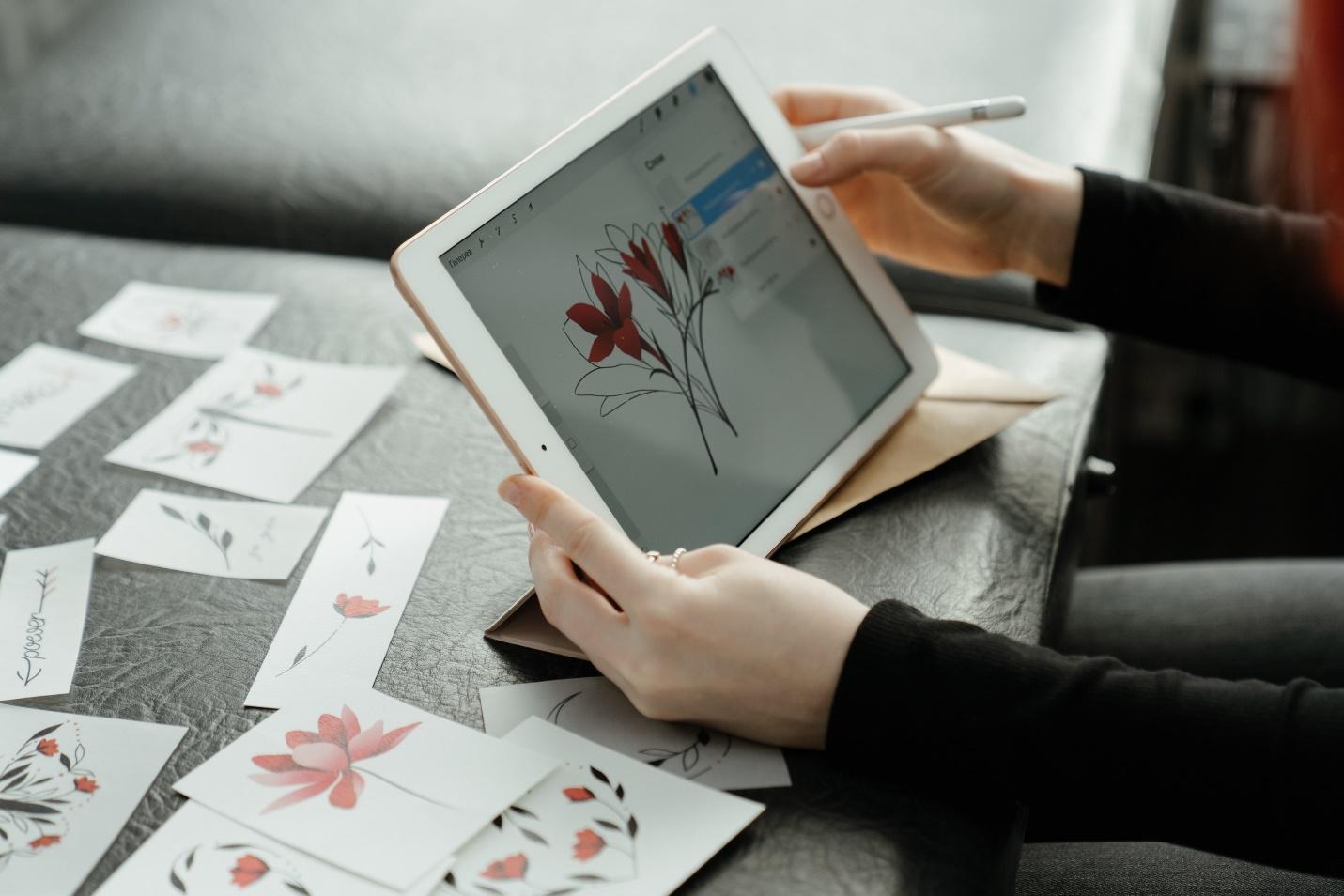
Stickers remain one good way to advertise a product or publicize an event to many people. If attached to a strategic surface, they can get the attention of almost anybody. They are quite versatile, cost-effective, water-resistant, and can be used for a long period. Unless its graphics fades or the gum washes off, a sticker can stay glued to a surface for almost an eternity.
To cut costs, it is advisable to print sticker labels from home. However, using DIY techniques to print stickers may be challenging at times, but it’s an easy process with the right tips. Thus, here are 8 tips you need to print great stickers from the comfort of your home:
- Select the best paper for the project
One of the essential materials you need to print a sticker is paper. Usually, stickers can either be printed on paper or vinyl materials. But the material you choose goes a long way to determine the quality of the sticker in terms of appearance, durability, and life span. There’s no point in investing in substandard materials as this would only waste time, energy, and resources.
Thus, it’s crucial to opt for high-quality papers or vinyl materials that are mostly water-resistant for the best sticker effect.
- Go for high-end printers
Yes, you want to print at home, and you’d need a printer. Not just any printer, but a top-notch printer with incredible capabilities. What determines the quality of printers you have to buy is the quality of stickers you want to make, and know that a cheap printer would only produce inferior stickers.
- Opt for the best colors
What translates into a perfect design for your sticker is the colors you choose. This is a tricky aspect of designing a sticker yourself. With the wrong choice of colors with poorly blended hues, your sticker will only come out with colors that can easily wash off. So, to make the best color designs for your sticker, you have to get the hang of how to combine both light and dark colors for the best effects.
- Permanence is Key
The goal is to make a sticker with impressive designs, highly durable and perfect to the eye. Thus, the print process must be targeted towards permanence. It would only be a frustrating endeavor to make stickers that would fade off in 6 months. You should not create stickers that can’t pass the sun or rain test over time.
- Die-cutting
Every commendable sticker has a fascinating design and unique shape. Professionally, die-cutting is the approach used to cut customized stickers into smaller sizes. If you are doing this at home, then you’ll be needing a laser cutter.
- Use best print quality
Sometimes you may have to tinker with your printer design to get the best printing effect, and you may get the best result by simply changing the print quality from standard to high or glossy. Read the printer manuals for instructions on how to prep your printer for the best print quality for your stickers.
- Fix the ink cartridges properly
When ink cartridges are not positioned correctly in the printer, it may affect the overall design of the sticker as the colors may come out wrong. So, you must ensure that the ink supplies are well positioned before printing. Also, always ensure that there’s enough ink in the cartridges before printing.
- Paper compatibility is crucial too
Know what type of paper is suitable for your printer and whatnot. Don’t make guesses; ensure to find out about the right paper quality to use.
No doubt, if all these tips can be implemented, we’re sure you’ll make the best stickers from home.
